If you are starting a YouTube channel and trying to decide between Canon and GoPro, you are asking a good question. Both brands are popular with new creators. Both produce footage that works on YouTube. But they are built for fundamentally different types of content, and choosing the wrong one for your format will be frustrating.
This article compares Canon and GoPro on the things that matter most to YouTube beginners: image quality, audio, ease of use, flexibility and price. By the end, the right choice for your specific content type should be clear.
Canon for YouTube: Versatile, High-Quality, Creator-Friendly
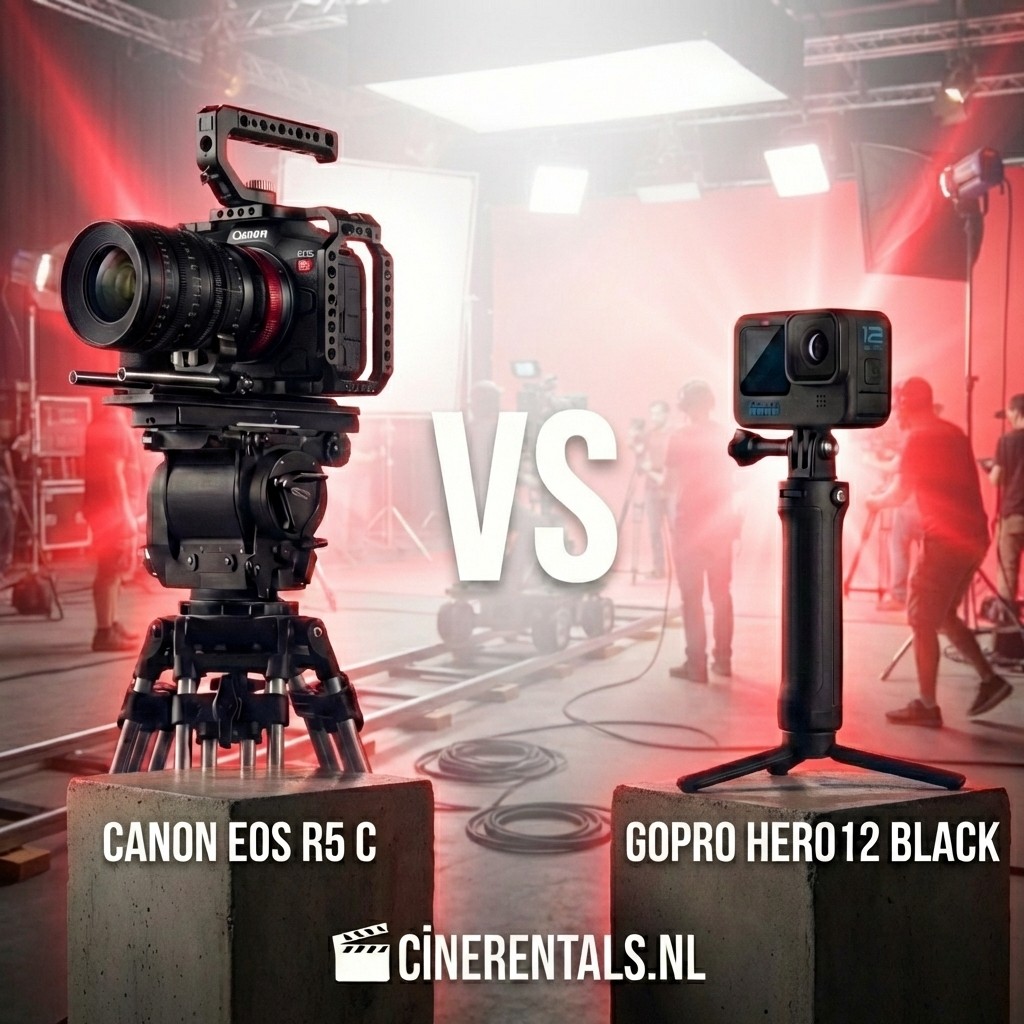
Canon has positioned itself deliberately as the creator-friendly camera brand. The Canon EOS R50 — the most affordable R-series mirrorless — offers 4K video, a fully articulating touchscreen, Canon's Dual Pixel CMOS AF, and a 3.5mm mic input. For talking-head content, reviews, tutorials and indoor vlogs, it covers everything a beginner needs.
Canon's colour science does the heavy lifting at the beginner level. Images out of camera look warm, flattering and professional without any manual intervention. The menu system is among the most intuitive in the industry. New users get up to speed quickly, which means more time spent on content and less on troubleshooting settings.
GoPro for YouTube: Simple, Durable, Action-Ready
The GoPro Hero 13 Black offers the simplest possible filming experience: press record, do what you do, stop recording. HyperSmooth 7.0 stabilisation handles the rest. For outdoor YouTube channels — cycling, hiking, water sports, travel adventures — GoPro captures footage that a Canon mirrorless on a tripod simply cannot.
The 8:7 aspect ratio gives editors flexibility: one clip can deliver landscape, portrait and square formats. The accessory ecosystem is unmatched. And the camera survives conditions that would damage or destroy a conventional camera body.
Image Quality: Where the Gap Shows
Canon's APS-C or full-frame sensor (depending on model) produces a noticeably more professional look than GoPro in typical indoor conditions. Shallow depth of field, cleaner low-light performance, and the ability to swap lenses for different focal lengths give Canon a significant quality advantage for standard YouTube formats.
GoPro produces excellent images in good outdoor light. In a home studio under LED panels or at a window, the small sensor shows its limits: more noise, flatter colour separation, and a "action cam" look that can feel out of place for talking-head content.
Audio: A Practical Difference
Canon EOS mirrorless cameras have a 3.5mm microphone input. Connecting an external microphone immediately and dramatically improves audio quality — critical for YouTube, where poor audio is a more common reason for viewers to abandon a video than poor image quality.
GoPro Hero 13 has no 3.5mm input. The built-in microphones handle outdoor noise and wind well, but in a room they pick up every ambient sound with equal enthusiasm. A USB-C audio adapter exists but adds bulk and complexity to a camera that was supposed to be simple.
Content Type Recommendation
Choose Canon if: your content is primarily indoor — desk setups, product reviews, tutorials, cooking, lifestyle, sit-down vlogs. Canon handles these formats better across every relevant quality metric.
Choose GoPro if: your content is primarily outdoor and active — bike rides, hikes, watersports, travel adventures. GoPro survives the conditions your content involves and produces better footage in those specific scenarios than a mirrorless at the same price point.
Rent Before You Buy
If you are not yet certain which format suits your channel, renting is the most practical approach. Cinerentals.nl offers daily rental on Canon and GoPro cameras. Spend a day shooting your typical content with each, review the footage in your edit, and the answer will be obvious.
Conclusion: Canon or GoPro for YouTube?
Canon wins for indoor, studio and sit-down YouTube content. GoPro wins for action, outdoor and adventure content. For channels that mix both formats, the ideal approach is one Canon as your primary camera and a GoPro for active footage.
Frequently Asked Questions
What is the best Canon camera to start a YouTube channel?
The Canon EOS C50 or Canon EOS R50 are strong starting points. Both offer Canon Log for grading flexibility, Dual Pixel AF and the 3.5mm mic input that makes audio quality manageable.
Can you use GoPro as the only camera for a YouTube channel?
Yes, if your content is primarily outdoor and action-focused. GoPro Hero 13 Black produces good YouTube footage in the right conditions. For indoor or studio content, a Canon mirrorless will produce noticeably better results.
Is Canon or GoPro cheaper to start with?
GoPro Hero 13 Black is available at a comparable entry price to Canon's cheapest mirrorless. However, a Canon setup with an external microphone tends to cost more overall. Renting first is the most cost-effective way to determine which format suits your channel before spending.
How much does it cost to rent a Canon camera for a day?
Daily rates for Canon cameras at Cinerentals.nl vary by model. Entry-level Canon mirrorless bodies start from affordable daily rates, with Cinema EOS bodies priced higher. Check current availability and pricing on the website.