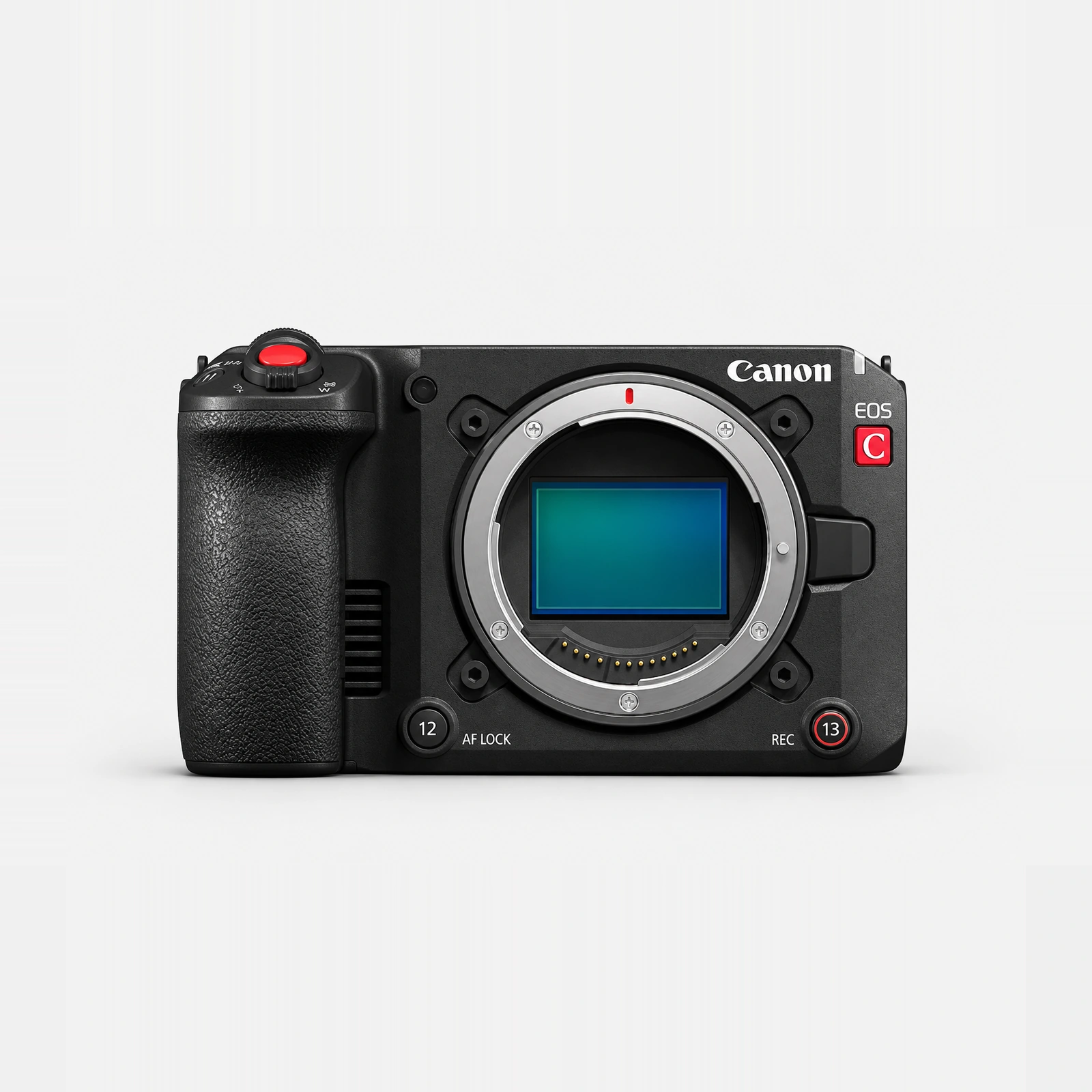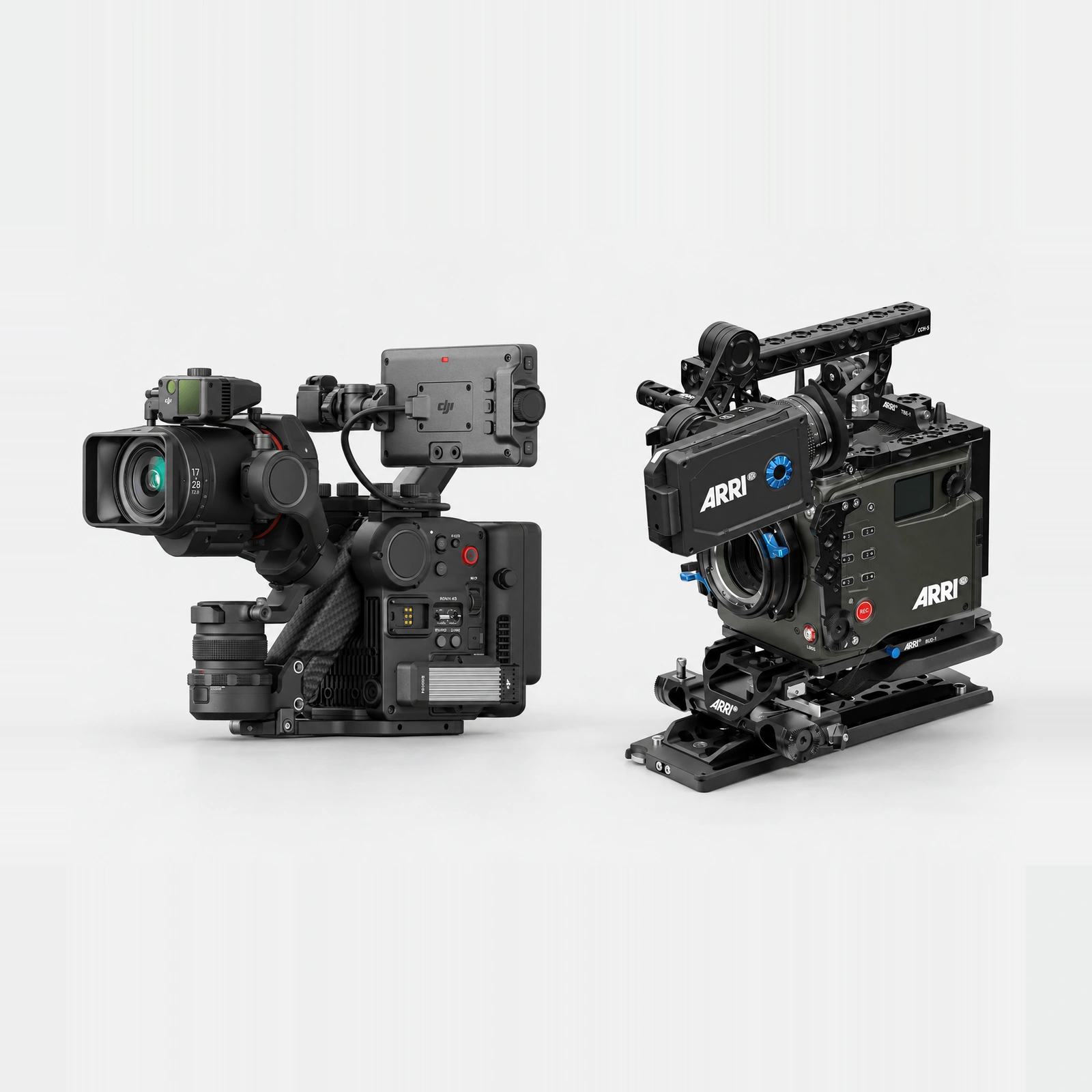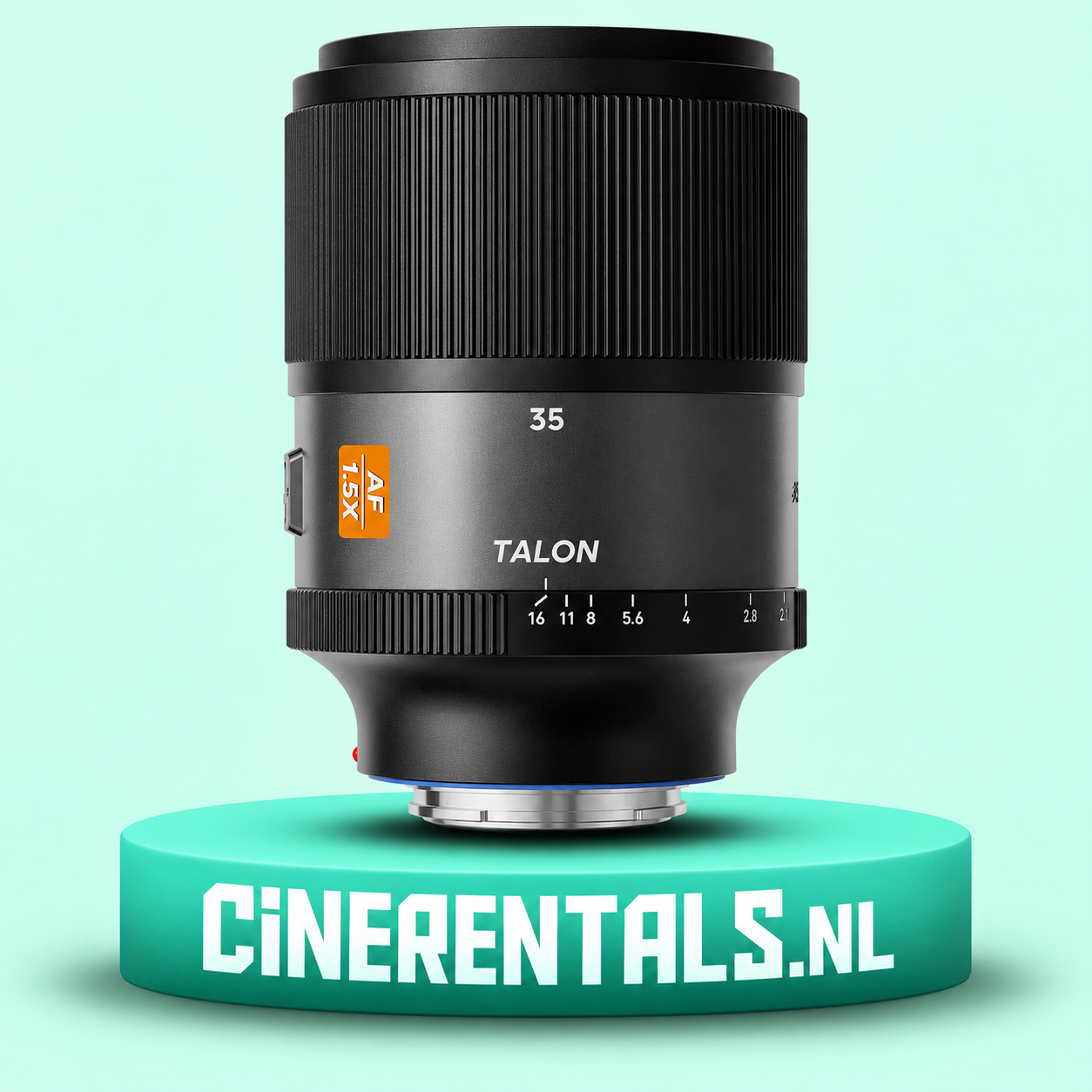
The E-mount BLAZAR Talon versions listed here are for compatible E cameras. Canon EOS R5 Mark II uses RF. Check the complete setup before booking.
Can you use the listed Talon lenses on the R5 Mark II?
The E-mount BLAZAR Talon lenses listed at CineRentals should be booked with a compatible E-mount camera. The Canon EOS R5 Mark II uses an RF mount. BLAZAR’s product information specifies its E versions for Sony E cameras and does not support using them with other camera systems through general-purpose adapters. Confirm the complete camera-lens combination before reserving.
A shared full-frame label describes sensor coverage. It does not establish that two products connect or communicate correctly. Build a rental around the exact mount version printed on the product listing.
Check three things before choosing a lens
First, check the physical camera and lens mounts. Second, check image coverage in the recording mode you intend to use. Third, confirm electronic functions such as autofocus and aperture control for that exact combination. A product name alone rarely answers all three questions.
When requesting a quote, copy the complete lens name and include your body model. Add the intended resolution, recording mode and any adapter already in your kit. Ask for the combination to be checked together during collection.
If the anamorphic look is your priority
Start with the Talon lens and select a compatible camera body around it. Check whether the available focal lengths suit your locations and whether your monitoring and editing setup support the required 1.5X de-squeeze. Plan how wide the final image should be before you compose on set.
Use a simple test scene with a person, straight architectural lines, a foreground detail and a practical light source. Record a focus transition and a handheld movement. Judge the result on the actual delivery frame so you can see the effect of cropping.
Test autofocus on the booked body in the chosen recording configuration. Record a take where the subject approaches and another with an object passing in front. Decide when autofocus is useful and when a rehearsed manual focus move is preferable for your scene.
If the Canon R5 Mark II is your priority
Build the lens kit around the RF body. A native RF lens is a direct starting point. Canon also documents EF and EF-S support through EF-EOS R adapters, so an adapted setup needs its own check for image coverage and operation.
For an anamorphic project, request a compatible lens package by its exact mount rather than assuming that every anamorphic lens fits. Ask the rental team to confirm the available mount version, adapter if required, support and monitoring. A PL or EF label on a different lens is not evidence that an E-mount Talon will fit.
If you need both regular and widescreen deliverables, prepare framing guides for each. A planned crop should leave enough room for faces, gestures and text placement. Decide this with the editor before the shoot.
Rental handover checklist
Bring or specify every component that affects the setup. Mount the lens, check secure seating, confirm aperture and focus operation and review the full image for unwanted crop or obstruction. Use the actual filters and support you plan to take to the location.
Record and play back a short clip. Check the image with the correct de-squeeze, test your final crop and open the recording on the editing system. Confirm any power, media and monitoring accessories as part of the same booking.
For a multi-camera job, label the mount and lens package for each body. Include that information in the equipment list so a late change does not put incompatible components together.
Frequently asked questions
Does full-frame mean the lens fits every full-frame camera? No. Coverage and mount compatibility are separate checks. Specify the actual body and lens mount.
Does an EF-EOS R adapter make an E lens compatible? Canon’s EF-EOS R adapters are documented for EF and EF-S lenses. They do not establish compatibility for the E-mount Talon versions discussed here.
Should I rent the body and lens together? Testing the complete combination together makes the handover more useful. Tell the rental team about any equipment you already own and bring it to the check where practical.
Find a compatible rental package in Amsterdam
Check the Talon 35mm, 50mm and 75mm product pages for the listed E versions. For a Canon-based production, start with the EOS R5 Mark II and request a matching lens package from CineRentals.
Sources checked on 7 November 2026. BLAZAR Talon E compatibility and Canon RF and adapter specifications.
More rental guides
BLAZAR Talon 35mm vs 50mm vs 75mm Rental Guide • Canon EOS R5 Mark II Rental Guide for Photo and Video